Now Reading: eLeads Explained: CRM Features, Login Steps, and Key Tools
-
01
eLeads Explained: CRM Features, Login Steps, and Key Tools

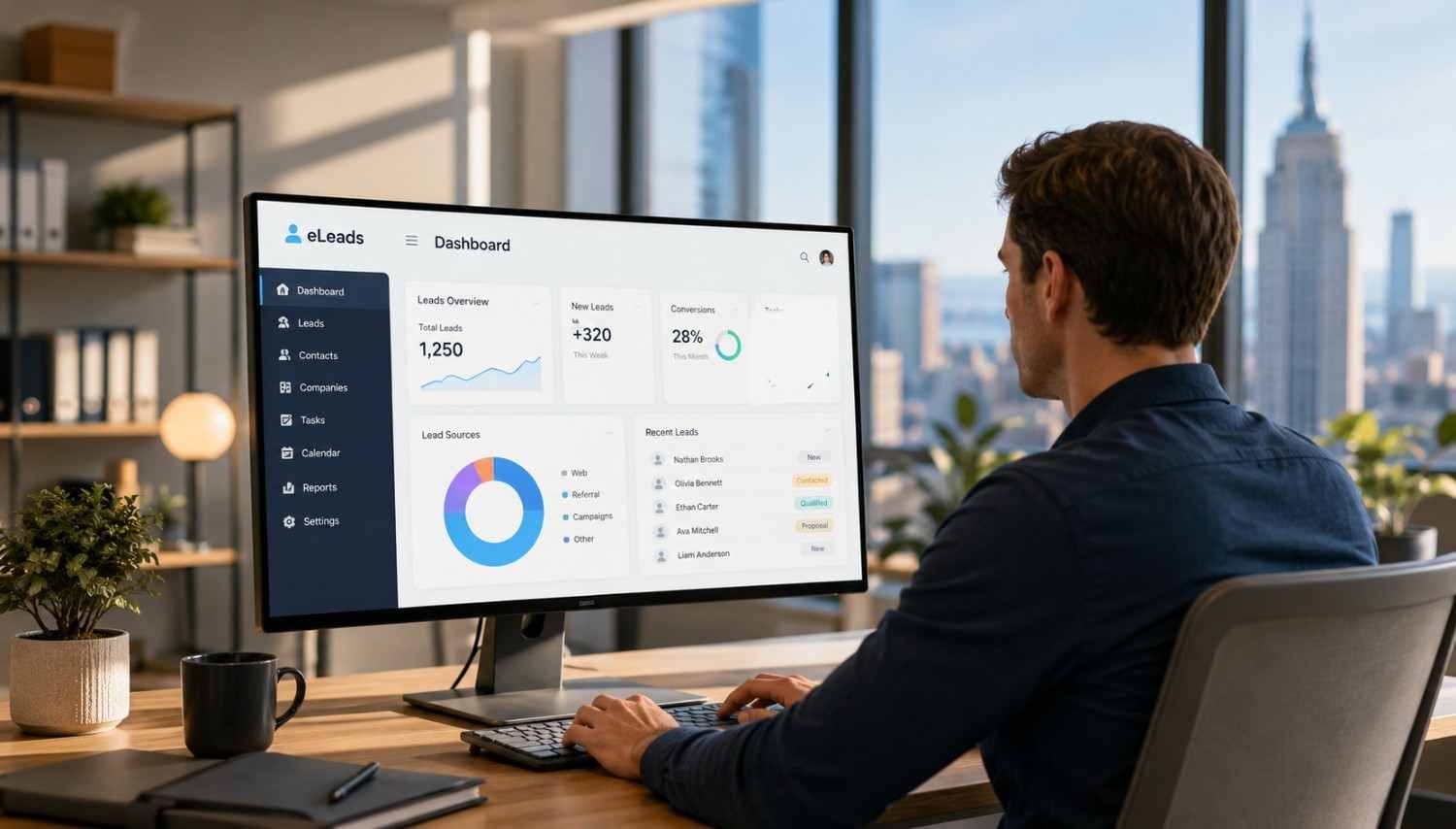
I noticed that people searching for eLeads are often looking for two answers at once: how to get into the CRM and what they will actually find after signing in. For dealership employees, the bigger question is how the system fits into daily work, from handling internet leads to keeping conversations organized.
I also found that eLeads can seem confusing at first because access may depend on the dealership’s setup. Some users sign in with a username and password, while others may use Single Sign-On. Once that distinction is clear, eLeads makes more sense.
What Is eLeads CRM?
eLeads CRM is a customer relationship management platform designed specifically for automotive dealerships. It brings customer information, sales activity, follow-up tasks, marketing activity, and other dealership workflows into a connected environment. The platform is now part of CDK Global’s automotive technology ecosystem, with CRM capabilities spanning customer relationships, data, AI, marketing, and desking.
That automotive focus matters. A general-purpose CRM may track contacts and opportunities, but a dealership CRM also needs to account for vehicle interest, lead sources, showroom activity, appointments, service relationships, and ongoing engagement.
How to Log In to eLeads CRM
Getting into eLeads starts with using the login method assigned to your dealership. The current eLeads portal provides a standard username and password sign-in option, along with a Single Sign-On button for users whose accounts have been configured for SSO.
Standard eLeads Login
If your dealership uses regular CRM credentials, open the eLeads login portal and enter your username and password. The page also includes password recovery.
After authentication, the CRM should take you into your dealership workspace. What appears next can depend on your role and permissions. A salesperson may focus on leads and follow-up tasks, while a manager can have broader visibility into team activity and performance.
eLeads SSO Login
Some dealerships use Single Sign-On instead of separate CRM credentials. The eLeads login page provides an SSO option, and CDK maintains a broader application login environment.
If SSO has already been established for your account, use the SSO route your dealership administrator has provided. Trying an old password-based method after an SSO account has been configured may not work. If you are unsure which route applies, your dealership’s CRM or IT administrator is usually the right person to confirm it.
What Can You Do Inside eLeads?
The value of a dealership CRM becomes clearer after login. Instead of treating every customer interaction as separate, the platform can help teams keep activity connected.
Manage Leads and Follow-Ups
Lead management is one of the core jobs. Dealerships receive inquiries from websites, advertising campaigns, third-party sources, phone calls, and other channels. A CRM can organize those opportunities, assign responsibility, and give employees a structured way to follow up.
Automated workflows can reduce missed follow-ups. Managers can also use pipeline information to see where opportunities stand and where attention is needed.
Keep Customer Information Connected
A useful customer profile gives employees context before they make another call or send another message. Instead of starting from scratch, a salesperson can review previous interactions, notes, appointments, and other relevant activity.
That continuity becomes valuable when customers move between departments. Sales, BDC, service, and management may all interact with the same person at different points in the ownership journey.
Support Marketing and Desking
Modern dealership CRM systems extend beyond lead tracking. Current capabilities include marketing, desking, AI, customer data, and connected workflows. These tools can help dealerships create targeted communication and manage deal-related processes.
The practical benefit is less duplication. Connected data lets employees spend less time hunting through systems and more time acting on useful information.
Common eLeads Login Problems
Login trouble is often less complicated than it first appears. Start by checking that you are using the correct account and login method. If your dealership recently moved to SSO, an older credential-based routine may no longer apply.
If the password is the issue, use the recovery option available on the login page rather than repeatedly guessing. Repeated failed attempts can create additional access problems.
Browser issues can also interfere with sign-in. A private window, updated browser, or cleared cache can help identify whether the problem is local rather than account-related.
For SSO problems, password resets, missing permissions, or locked accounts, contact the dealership administrator or the appropriate CDK support channel. Avoid creating a second account simply because the original one is not working. Your access may be tied to dealership-specific permissions.
Why eLeads Matters in a Dealership Workflow
A CRM works best when employees treat it as the shared record of customer activity rather than another screen that has to be updated. Accurate notes, timely follow-ups, clear ownership, and consistent customer information make the system more useful for everyone.
For managers, connected data can clarify lead activity and team performance. For salespeople, it reduces the friction of remembering conversations. For customers, the benefit is fewer repeated questions, faster responses, and more relevant communication.
FAQs: eLeads Explained: CRM Features, Login Steps, and Key Tools
1. What is eLeads used for?
eLeads is an automotive CRM used to manage customer information, leads, follow-ups, sales activity, marketing, and related dealership workflows.
2. How do I access eLeads CRM?
Use the login method assigned by your dealership. The current portal supports username and password access as well as Single Sign-On for configured accounts.
3. What if my eLeads password does not work?
Use the password recovery option on the login page. If the problem continues, contact your dealership administrator or CDK support.
4. Does eLeads support SSO?
Yes. The current eLeads portal provides a Single Sign-On option. Whether you should use it depends on how your dealership has configured employee access.
Why the Login Is Only the Starting Point
The most useful way to think about eLeads is not as a login destination but as a working environment built around dealership relationships. Access gets an employee through the door, but organized customer data, consistent follow-up, connected departments, and reporting make a CRM valuable. When those pieces are maintained well, the system can turn scattered interactions into a clearer picture of each customer and opportunity.
A successful CRM experience for your dealership is rarely about having the most buttons on a dashboard alone. It is about helping people know who needs attention, what happened last, and what should happen next. That is where eLeads earns its place in the dealership workflow.