
Now Reading: G Plus Games: A Look at the Games, Features, and Experience
-
01
G Plus Games: A Look at the Games, Features, and Experience


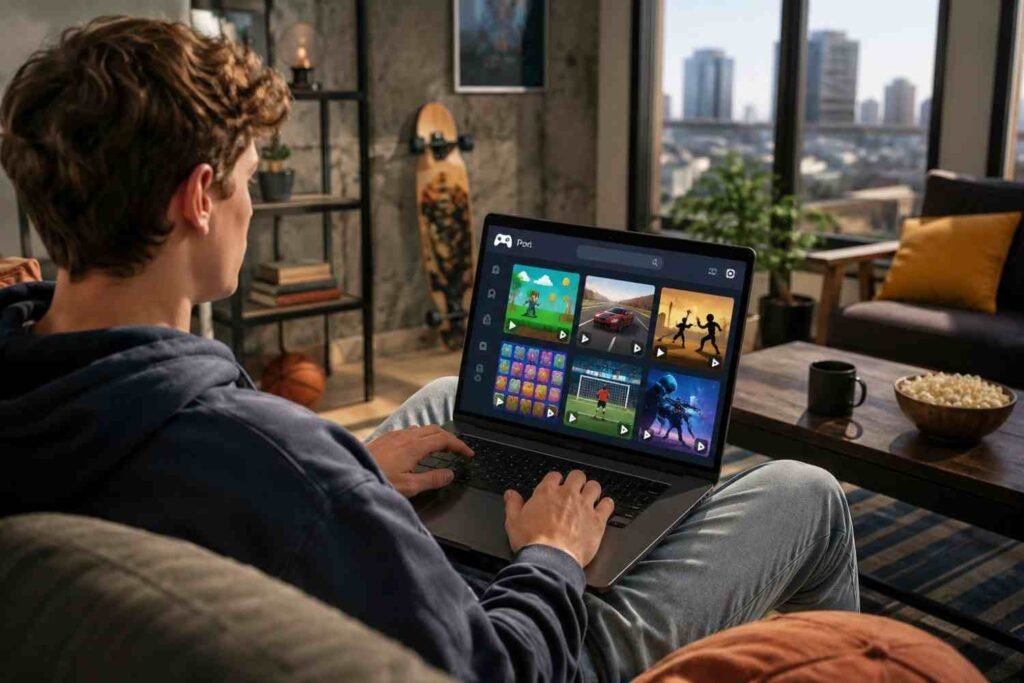
I first came across G Plus Games while looking for the kind of browser games people could open quickly without installing another program. What caught my attention was the sheer variety: one page could move from a racing game to a puzzle, sports challenge, or arcade title in seconds. The appeal was less about graphics and more about convenience.
I also noticed how closely the term is tied to the idea of unblocked gaming. That wording can make the service sound like one official platform, but the reality is messier. Several sites and Google Sites pages use similar names, and their libraries, policies, and reliability can differ. Understanding that distinction makes the whole G Plus experience easier to evaluate.
What Are G Plus Games?
G Plus games, also written as G+ Games or Unblocked Games G Plus, generally refers to collections of free browser games that can be played without a traditional installation. Many versions are built around HTML5 games, which means the game can load through a modern browser rather than requiring Flash, a separate launcher, or a desktop application. Current G Plus-branded sites advertise libraries covering arcade, puzzle, racing, sports, action, and casual games.
The name can be confusing because there is not one universal G Plus destination. Independent game hubs and Google Sites pages can use similar branding while offering different libraries and privacy practices. Treating the name as a category rather than a guarantee of one official service is safer.
What Games Can You Find?
The biggest attraction is variety. A typical library may include quick arcade games, platformers, racing challenges, sports titles, puzzle games, shooters, idle games, and multiplayer experiences. Popular examples associated with G Plus searches include Slope, Run 3, Basketball Stars, and 1v1.LOL. Other libraries feature games such as Moto X3M, Subway Surfers, Stickman Hook, 2048, and various .io titles.
Different genres suit different moods. Slope works well for a short reflex challenge, while Run 3 offers more sustained platforming. Sports games deliver quick matches, and puzzle or idle games suit slower sessions. Variety matters because browser gaming is often chosen for convenience and accessibility.
Why Browser-Based Play Feels Convenient
HTML5 support is central to the experience. Instead of downloading an executable, players can open a game page and let the browser handle the content. That makes browser games practical on devices where installing software is restricted.
Chromebooks are a common example. Many browser games need modest hardware, so a school-issued laptop can handle simple 2D games and some lightweight 3D titles. Phones and tablets can work when controls support touch. Performance still depends on the game, browser, device, and network. A newer laptop may feel smooth where an older Chromebook struggles.
No-download access does not mean every game loads instantly. Embedded content, advertising, network congestion, or an overloaded page can affect startup time.
What Makes the Experience Different?
G Plus libraries are built around discovery. You browse categories, spot a title, and start playing. That format works well for short sessions because there is little commitment.
Some G Plus sites advertise multiplayer games, favorites, mobile support, and updated collections. Those features can make a basic directory feel like a lightweight gaming portal. The tradeoff is consistency. One site may look polished while another is a collection of links.
A feature advertised on one domain should not automatically be assumed across every site using the G Plus name.
What About School and Workplace Networks?
The phrase “unblocked games” explains much of the appeal. Schools and workplaces often restrict gaming websites to protect bandwidth, productivity, or acceptable-use policies. Some G Plus pages use platforms that filters may treat differently from dedicated gaming domains. Google Sites pages, for example, can share hosting infrastructure with legitimate educational and business content.
A page is not guaranteed to work on every network. Administrators can block domains, URLs, categories, or services, and policies vary. Trying to defeat a workplace or school restriction may also violate its rules. Use browser games only when gaming is permitted.
A Few Safety Checks Are Worth It
The low barrier to entry is convenient, but users should still watch where they click. A page promising “no download” should not suddenly require an unknown extension, executable file, or suspicious notification permission.
Before playing, check the domain, avoid unexpected redirects, and keep browser security features enabled. Be cautious with aggressive ads and pop-ups, especially when a button looks like a game control but opens another page.
Privacy deserves attention too. Different G Plus sites can have different policies and advertising arrangements. A simple game portal does not automatically have the same privacy standards as a major gaming service. Current sites publish their own privacy information, but similarly named pages are not necessarily equivalent.
FAQs: G Plus Games: A Look at the Games, Features, and Experience
1. Are G Plus Games free?
Most G Plus game hubs promote free browser games with no purchase required. However, individual sites can differ in advertising, features, and access conditions, so check the specific page before playing.
2. Do G Plus Games require downloads?
Many titles use HTML5 and run directly in a modern browser. You generally should not need a separate game installer. If a page unexpectedly asks you to download software, treat that request cautiously.
3. Can G Plus Games work on Chromebooks?
Many lightweight browser games can run on Chromebooks, particularly simple 2D titles. Actual performance depends on the Chromebook’s hardware, browser, network, and the game’s technical requirements.
4. Is every G Plus Games site safe?
No. The G Plus name is used across different sites and pages. Check the domain, privacy information, permissions, redirects, and download prompts rather than assuming every page has the same safety standards.
Why Simple Browser Gaming Still Has a Place
What makes g plus games interesting is not technological novelty. It is the small amount of effort between deciding to play and starting. A browser, compatible device, and a few minutes can be enough. For people who enjoy quick challenges, that simplicity can beat managing downloads, updates, accounts, and storage.
The best experience comes from keeping that convenience in perspective. G Plus offers casual entertainment, but the name alone does not guarantee quality, availability, or safety. Choose the site carefully, respect network rules, and let the games stay simple.











Pingback: Roblox Unblocked: Chromebook Access and Safety Tips