Now Reading: XFi Complete vs. Standard WiFi: What’s the Difference?
-
01
XFi Complete vs. Standard WiFi: What’s the Difference?

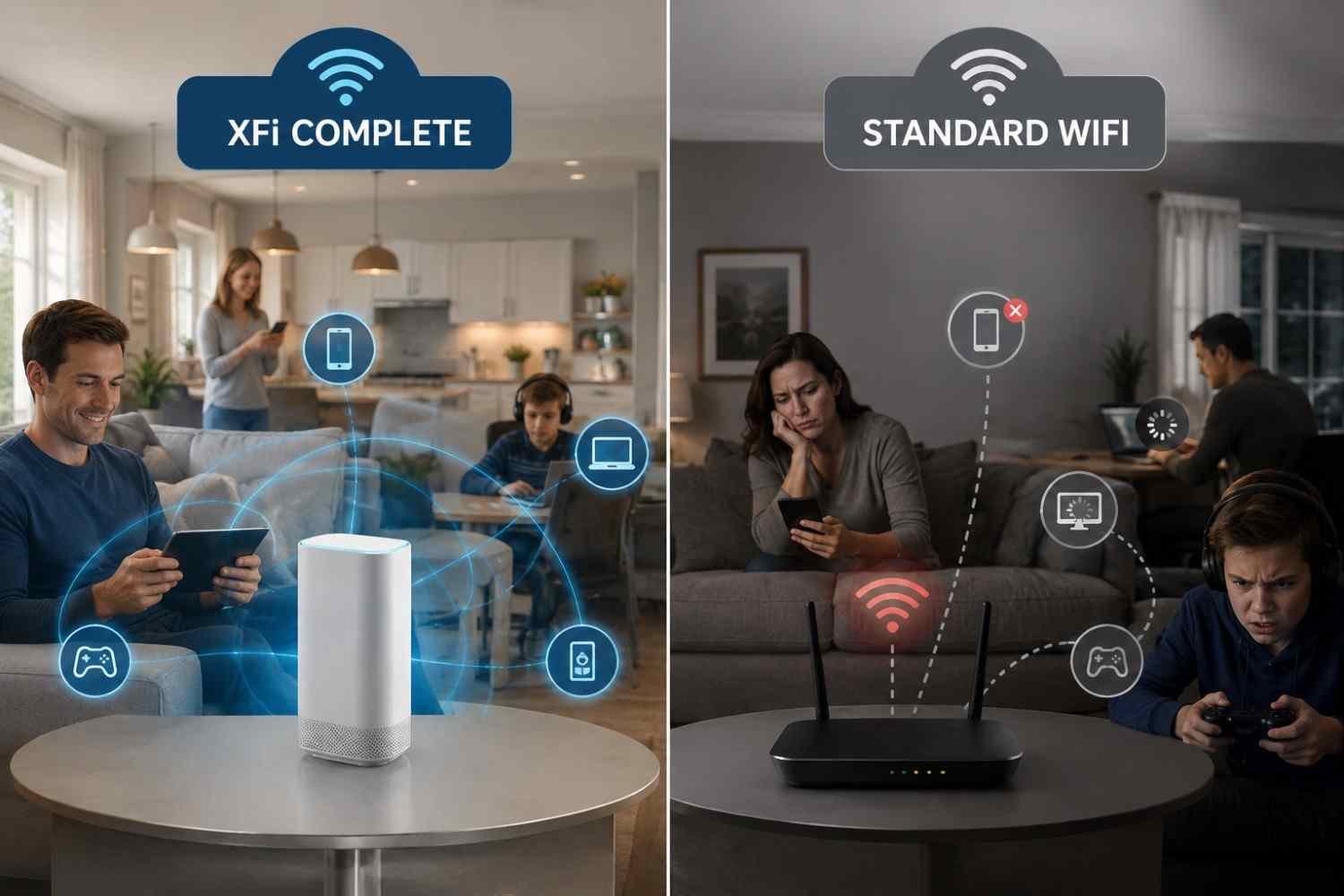
I first noticed xFi Complete because the name made it sound like a different class of WiFi hardware. When I compared it with a regular Xfinity Gateway, though, the distinction became clearer. The gateway is the equipment that creates the home network, while xFi Complete has historically been a service bundle built around that gateway.
I also found that older explanations of xFi Complete can be confusing now. They often describe the package through the old 1.2 TB data-cap system and present unlimited data as its main advantage. Xfinity’s current offerings have changed, and availability can vary by plan and customer status.
What Standard Xfinity WiFi Gives You
A standard Xfinity setup generally centers on an Xfinity Gateway, which combines modem and router functions in one device. It connects your home to the internet and distributes that connection over WiFi to phones, laptops, TVs, game consoles, smart speakers, cameras, and other devices.
For many households, that is all they need. A reasonably placed gateway can cover an apartment or smaller house without additional equipment.
The important point is that standard gateway service is primarily about providing the equipment needed to get online.
What xFi Complete Adds
xFi Complete has traditionally combined the Xfinity Gateway with additional services. Depending on the plan and eligibility, those benefits have included unlimited data, Advanced Security features, and a Whole Home WiFi Evaluation.
That evaluation is one of the more distinctive features. Instead of simply assuming your home needs an extender, the system can assess WiFi performance and identify areas where coverage is weaker. If the evaluation recommends additional coverage equipment and the customer qualifies, an xFi Pod may be provided.
There is an important catch: an xFi Pod is not automatically included just because someone has xFi Complete. Eligibility, plan terms, and current availability matter. Xfinity’s support information describes the Pod as something supplied when recommended, rather than a guaranteed box in every package.
The Hardware Is Not Necessarily Better
This is where the comparison gets surprisingly simple.
xFi Complete does not inherently mean a customer receives a special modem or router that is faster than the gateway used by someone with standard service. Xfinity assigns gateway equipment according to factors such as the internet plan and available hardware.
That also means upgrading to xFi Complete should not be treated as a direct speed upgrade. If two customers have the same internet tier and comparable gateway hardware, adding a service bundle does not magically increase the advertised download speed.
Unlimited Data Changes the Calculation
Historically, unlimited data was one of the strongest reasons to consider xFi Complete. Under applicable legacy data plans, standard service could come with a 1.2 TB monthly allowance, while xFi Complete included unlimited data.
But this is where old comparisons can lead shoppers astray. Xfinity now offers newer plans where unlimited data is already included, so paying for xFi Complete solely to escape a data limit may no longer make sense.
Before comparing monthly prices, check your actual plan and bill. A package that looks expensive in isolation may be redundant if unlimited data and gateway equipment are already included.
Coverage Is a Separate Question
WiFi coverage depends on much more than the name of the service. The size and layout of the home, walls, floors, interference, gateway placement, and construction materials can all affect signal strength.
For a small home, a standard gateway may perform perfectly well. A larger house, long floor plan, basement, detached room, or thick interior walls can create weak spots in your home. That is where a Pod or another mesh solution can become useful.
Still, xFi Complete should not be described as a blanket guarantee of wall-to-wall WiFi. Its historical evaluation process was designed to identify coverage problems, and qualifying customers could receive recommended equipment. Current availability is more limited, particularly for new customers, so the exact terms deserve a check before signing up.
Who Should Pay for xFi Complete?
The answer depends heavily on your current plan.
xFi Complete can make sense for an eligible customer who has a legacy data cap, uses a lot of monthly data, wants to keep using Xfinity’s gateway, or values the additional managed WiFi features.
Standard WiFi may be the better fit when the home already has good coverage, and the internet plan includes unlimited data and the gateway. It can also make more sense for someone who prefers a personally owned modem and router, although compatibility and Xfinity’s current equipment policies should be checked first.
Compare the total cost with what your plan already provides instead of assuming every included feature has equal value.
FAQs: XFi Complete vs. Standard WiFi: What’s the Difference?
1. Is xFi Complete faster than standard WiFi?
No. xFi Complete does not automatically increase your internet speed. Speed primarily comes from your internet plan and compatible equipment.
2. Does xFi Complete include a WiFi Pod?
Not automatically. Eligible customers may receive a Pod when an evaluation identifies a coverage need, but terms and availability can vary.
3. Is unlimited data included with xFi Complete?
Historically, yes, for applicable plans. However, many newer Xfinity plans already include unlimited data, so check your current plan before paying for an add-on.
4. Can I use my own router with xFi Complete?
xFi Complete has been designed around use of an Xfinity Gateway, and some features depend on that gateway. If you prefer your own equipment, check current Xfinity requirements before changing service.
Why the Details on Your Plan Matter
The biggest lesson in comparing these options is that xFi Complete is not simply “better WiFi” in a box. The gateway is the foundation of the connection, while the Complete package has historically added services such as unlimited data and managed coverage features. Those extras can be valuable, but only when they solve a real problem or provide something your existing plan does not already include.
That makes the smartest comparison surprisingly personal. Look at your data usage, home size, coverage, equipment, and monthly bill first. Once those pieces are clear, the decision becomes much less about marketing language and much more about paying for what you will actually use.