Now Reading: What Is Amazon Mktplace PMTS? Charges, Payments, and More
-
01
What Is Amazon Mktplace PMTS? Charges, Payments, and More

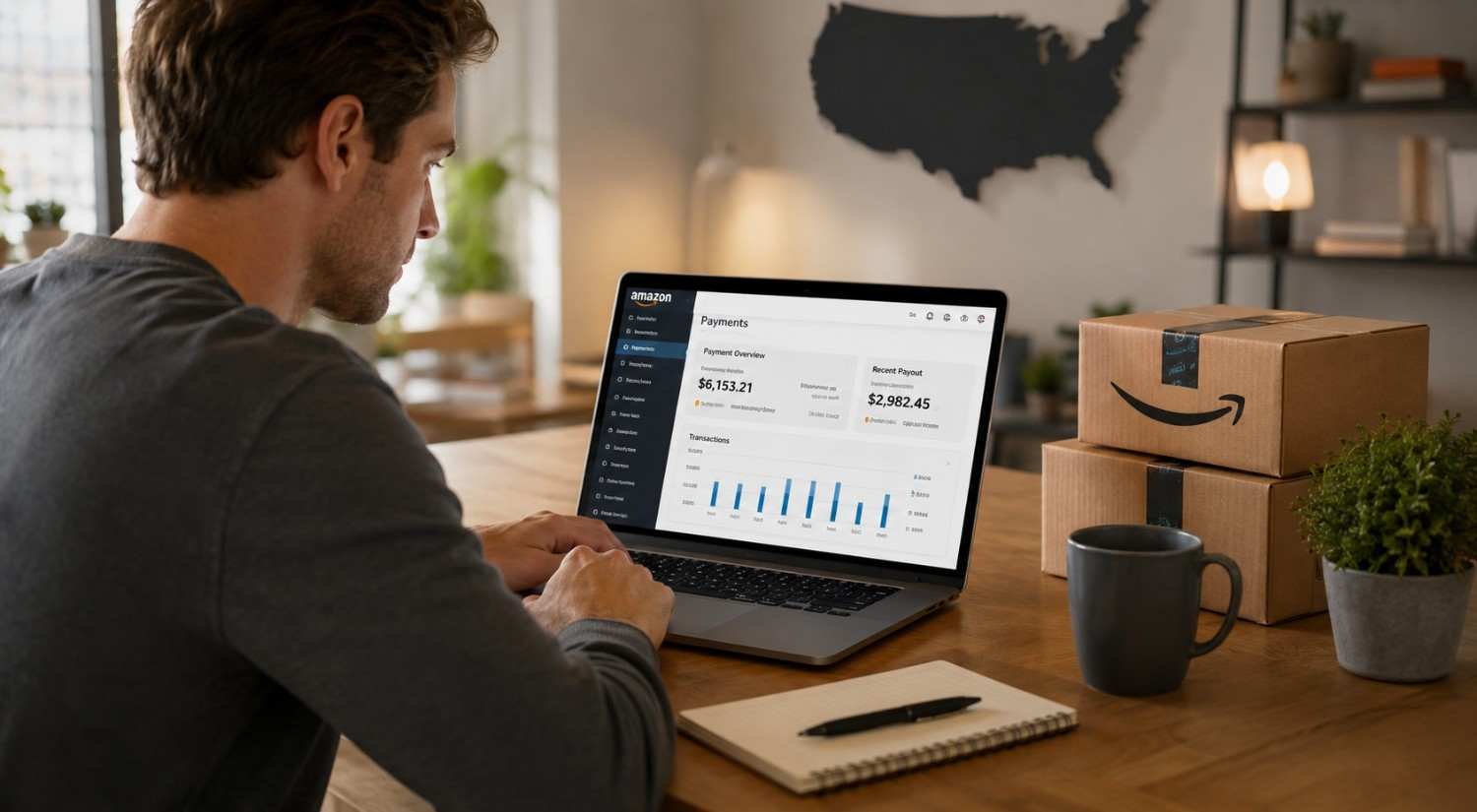
I noticed how confusing a bank statement can become when a familiar company suddenly appears under an unfamiliar abbreviation. Amazon is a good example. A purchase I remembered making could show up days later with wording that looked nothing like the product, seller, or order name I expected. Seeing “Amazon Mktplace PMTS” can easily make a routine transaction feel suspicious.
I found that matching the charge to the Amazon account usually makes the mystery easier to solve.
What Does Amazon Mktplace PMTS Mean?
Amazon Mktplace PMTS is a billing descriptor associated with Amazon Marketplace payments. “Mktplace” is an abbreviation for marketplace, while “PMTS” means payments. In practical terms, the wording identifies payment processing rather than giving you the exact product name you bought.
Amazon Marketplace includes independent sellers that use Amazon’s platform to reach customers. Your statement may therefore show Amazon-related payment wording even when the item came from a third-party merchant.
The descriptor can also appear differently depending on the card network, payment arrangement, or transaction. Amazon’s payment information says Amazon Payments transactions can generally be identified on statements with wording such as “AMZN.COM/PMTS.” That means an unfamiliar abbreviation is not, by itself, evidence that someone used your card without permission.
Why Does Amazon Mktplace PMTS Appear on a Statement?
The most obvious reason is an Amazon Marketplace purchase. A seller may list and fulfill an item through Amazon, while the payment is processed through Amazon’s systems. Your statement can reflect the payment processor instead of the seller’s storefront name.
Other possibilities deserve attention too. A charge may relate to a digital purchase, subscription renewal, or another Amazon service connected to the account. Amazon Pay can create another layer of confusion because it allows customers to use Amazon payment information on participating outside websites and apps.
Shared account activity is another common explanation. Someone in your household may have placed an order using a saved card, while the account holder does not immediately recognize the amount. A delayed transaction can also make a legitimate purchase harder to connect with the original order.
How to Find the Exact Charge
Start with the date and dollar amount shown by your bank. Then sign in to the Amazon account you normally use and review your orders around that period. Do not rely only on the product name you remember. Check canceled orders, recently shipped items, digital purchases, and orders placed by other people who have access to the account.
Next, review the payment activity associated with your Amazon account. Compare the last four digits of the card, the transaction amount, and the timing. A close match is much more useful than the statement descriptor itself.
It is also worth checking Amazon Pay activity if you have used Amazon credentials to pay on another website. A purchase made outside Amazon can still leave an Amazon-related payment trail.
Pending transactions require a little patience. Amazon Payments explains that card authorization requests can appear temporarily even though the authorization is not an additional completed charge. Banks can sometimes display these holds in ways that make a single purchase look duplicated.
Is an Amazon Mktplace PMTS Charge Legitimate?
Usually, the descriptor points to a legitimate Amazon-related payment, but the wording alone cannot prove what happened. The safest approach is to verify the transaction through your account history.
Look for a matching order, subscription, digital service, Amazon Pay transaction, or authorized household purchase. If you find one with the same amount and timing, the statement descriptor is probably simply the payment label used by the processor.
A charge becomes more concerning when there is no corresponding activity anywhere you can access. At that point, do not keep guessing based on the descriptor. Treat the unexplained transaction as a payment issue that needs investigation.
What to Do If You Do Not Recognize It
Use a simple sequence before disputing the charge:
- Check every Amazon account you control, including older or shared accounts.
- Review Amazon orders, digital purchases, subscriptions, and Amazon Pay activity.
- Compare the transaction date, amount, and payment card details.
- Ask authorized household users whether they made the purchase.
- If nothing matches, contact Amazon support and your bank or card issuer.
If you believe the transaction is unauthorized, move quickly. Your card issuer can explain its dispute process and any deadlines that apply. You may also want to change your Amazon password and review account security, particularly if other unfamiliar activity appears.
Amazon Marketplace PMTS vs. Other Amazon Charges
Not every Amazon-related line on a statement means the same thing. A Prime renewal, digital subscription, Amazon Pay transaction, marketplace purchase, or seller-related payment can have different billing details.
That is why searching the exact statement wording may only take you part of the way. Matching the amount and date to your records gives you a stronger answer than assuming every Amazon descriptor represents a standard retail order.
FAQs: What Is Amazon Mktplace PMTS? Charges, Payments, and More
1. Is Amazon Mktplace PMTS a real charge?
Yes. It can be a legitimate billing descriptor connected with an Amazon-processed payment. Verify it against your Amazon activity before assuming it is fraudulent.
2. Does it always mean I bought from a third-party seller?
No. Marketplace purchases are one possibility, but Amazon-related payment processing can also involve other services, subscriptions, or Amazon Pay activity.
3. Why does the charge not match my Amazon order name?
Statements often use payment descriptors rather than the product or seller name. The wording can therefore look different from what appears in your order history.
4. What if I cannot find the transaction?
Check other Amazon accounts, household activity, subscriptions, and Amazon Pay. If nothing matches, contact Amazon and your card issuer to investigate the transaction.
Why a Strange Descriptor Does Not Always Mean Fraud
Seeing unfamiliar wording beside a dollar amount can trigger an immediate reaction, especially when the purchase is not fresh in your memory. But payment descriptors are designed for transaction processing, not necessarily for recreating the shopping experience on a statement. Understanding that difference makes it easier to investigate calmly and accurately.
The useful habit is simple: check the amount, date, account, and payment method before drawing any immediate conclusions about fraud. If those details still lead nowhere, then take the charge seriously and escalate it. A few careful checks can separate an ordinary Amazon transaction from a problem that genuinely needs attention.