Now Reading: Gimkit Codes: What They Are and How to Enter Them
-
01
Gimkit Codes: What They Are and How to Enter Them

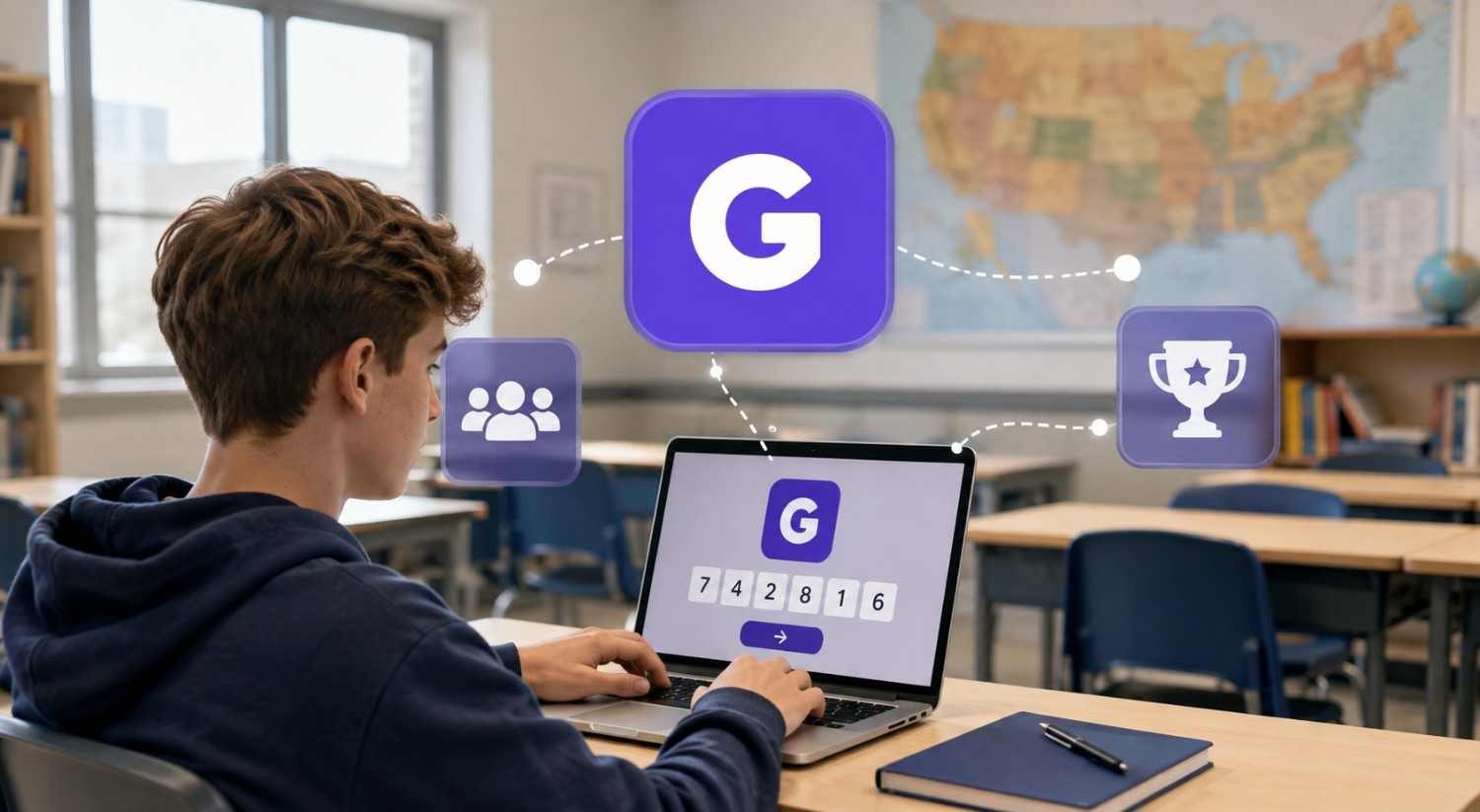
I first noticed how often students get tripped up by Gimkit codes when the actual problem is not the game at all. Someone shares a number too quickly, a student types one digit incorrectly, or an old code gets reused after class has ended. The result is the same: a simple classroom activity suddenly feels harder to enter than it should.
I also found that searching for “working” Gimkit codes can create the wrong expectation. These are not permanent passwords sitting online for anyone to use. They are tied to live sessions, so understanding where a code comes from is more useful than hunting for random numbers.
What Are Gimkit Codes?
Gimkit codes are temporary entry codes generated when a host starts a live game. A teacher or other game host shares the code with players, allowing them to enter that particular session. The code is connected to the active game rather than functioning as a permanent key for the kit itself.
A kit is the learning content used to build a game, while the join code gives players access to a live session using that content. When the session is over, the code should not be treated as a reusable way to enter another game.
For students, the easiest approach is to get the current code directly from the teacher or host. A classroom screen, presentation, or message may display it.
How to Enter a Gimkit Code
Joining is usually straightforward once you have the current code. Open the Gimkit join page on a phone, tablet, or computer, then enter the code provided by the host. After that, follow the prompts to enter the game.
Depending on the session settings, you may be asked for a nickname. Some games use a nickname generator, while others let you choose your display name. Once accepted, you enter the game lobby and wait for the host.
Enter the code exactly as displayed. If the host has just started the game, wait a moment and confirm the session is open before assuming the code is wrong.
Other Ways to Join a Gimkit Game
Typing a code is not the only option. Depending on how the host has configured the session, students may be able to join through a QR code or a direct join link. These options can be especially convenient when a teacher has a large class and wants everyone to enter quickly.
A QR code removes the need to manually type the game code. Students scan it with a compatible device and follow the resulting prompt. A direct link can serve a similar purpose by taking players toward the appropriate joining experience.
These are simply different ways of reaching the same live game.
Why Gimkit Codes Stop Working
A code can fail for several ordinary reasons. The most common is that the live session has ended. Since a join code belongs to a particular game session, an old code is not expected to work indefinitely.
Typing mistakes are another culprit. One incorrect number or character can produce an error. If several students cannot join, the issue may instead be on the host side, such as the game not being active or settings limiting access.
Internet connectivity and browser problems can also interfere. Refreshing the page or reopening the join page may resolve a temporary problem. If not, ask the teacher to confirm the current code.
Can You Find Working Gimkit Codes Online?
You may see pages claiming to provide active Gimkit codes, but that promise can be misleading. Because codes are associated with live sessions, a code found somewhere else may already be expired, belong to a private classroom, or stop working before you try it.
The better strategy is to treat the teacher or host as the source of truth. If you are looking for a game to join, you need an active session and its current entry information. A random code list cannot reliably provide either.
This also explains why searching for Gimkit codes can feel confusing. The phrase sounds as though there should be a permanent collection of codes, when the useful information is actually session-specific.
What Teachers Should Know About Sharing Codes
For teachers, sharing the current code clearly can reduce joining problems. Displaying it where students can easily see it gives everyone the same information.
Students do not need the kit’s underlying content details just to join. They need the active joining method and any name or access instructions the host has configured. Teachers can also remind students not to share a classroom code publicly, especially when the session is intended for a specific group. That keeps the joining process orderly and limits unwanted players.
FAQs: Gimkit Codes: What They Are and How to Enter Them
1. Are Gimkit codes permanent?
No. A Gimkit code is generally associated with a particular live game session. Once that session ends, the code should not be expected to remain usable.
2. Where can students get a Gimkit code?
Students should get the current code from the teacher or person hosting the game. It may be displayed on a classroom screen or shared through another teacher-controlled channel.
3. Can students join Gimkit without typing a code?
Often, yes. Depending on the host’s setup, students may receive a QR code or direct join link instead of manually entering the session code.
4. Why does my Gimkit code say it does not work?
Check that the code was entered correctly and that the live game is still active. If the problem continues, ask the host to confirm the current code and session status.
Why Knowing How Codes Work Makes Joining Easier
The simplest classroom tools sometimes create the most confusion when their small rules are misunderstood. Gimkit codes are easy to use once students know that they are temporary access points for live sessions, not permanent passwords or universal game keys. That one distinction changes how people troubleshoot problems and where they look for reliable joining information.
A current code, an active session, and the correct joining method are usually all that is needed. When those pieces line up, getting into the game becomes the quick first step it was meant to be.